> For the complete documentation index, see [llms.txt](https://guide.chainzoku.io/guide/llms.txt). Markdown versions of documentation pages are available by appending `.md` to page URLs; this page is available as [Markdown](https://guide.chainzoku.io/guide/economy/zoku-goods/consumables/gimme-the-loot-boxes.md).
# Gimme the Loot Boxes
Gimme gimme
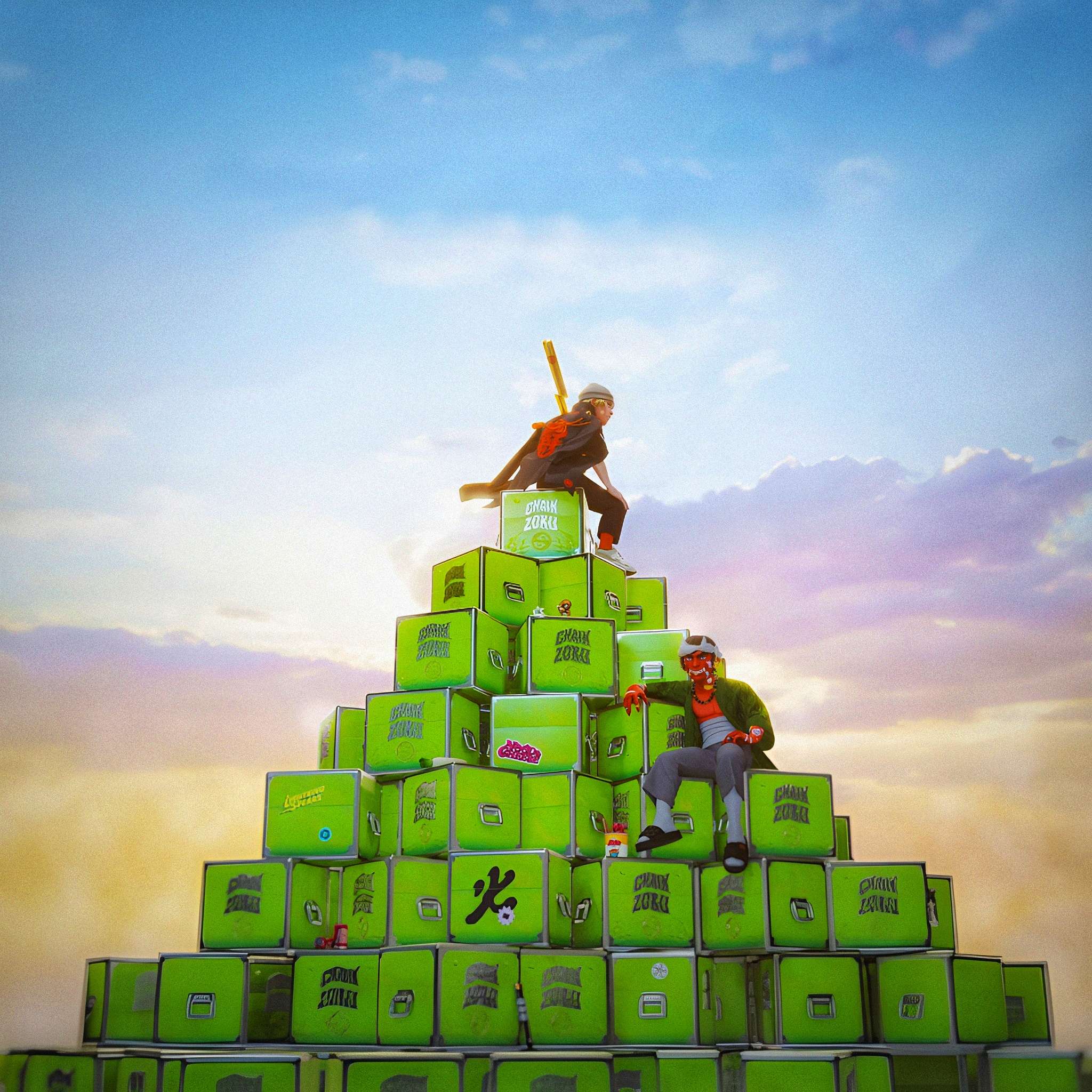
"Gimme the Loot" Boxes, baby!
999 Gimme the Loot boxes minted (for free) by the early ChainZoku Discord community. They were used as part of the Zoku minting process; however, many boxes remain unopened today. They can now be bought on Opensea at:
### What's in the box?!
Each Gimme the Loot box contains five different items, they are as follows:
* One item of Zoku gear with random rarity
* [A mysterious Yuru-Gacha](/guide/economy/zoku-goods/consumables/yuru-gachas.md)
* [A Tōdai Loft ](/guide/economy/zoku-goods/todai-lofts.md)
* [A Ticket to Tōdai City ](/guide/economy/zoku-goods/consumables/ticket-to-todai-city.md)
* [A Zoku Home item](/guide/economy/zoku-goods/todai-lofts/home-items.md)
A single "Gimme the Loot" Box
### How to open the "Gimme the loot!" box:
Now that you know what you will find inside it it’s time to open the box.
1. Go on
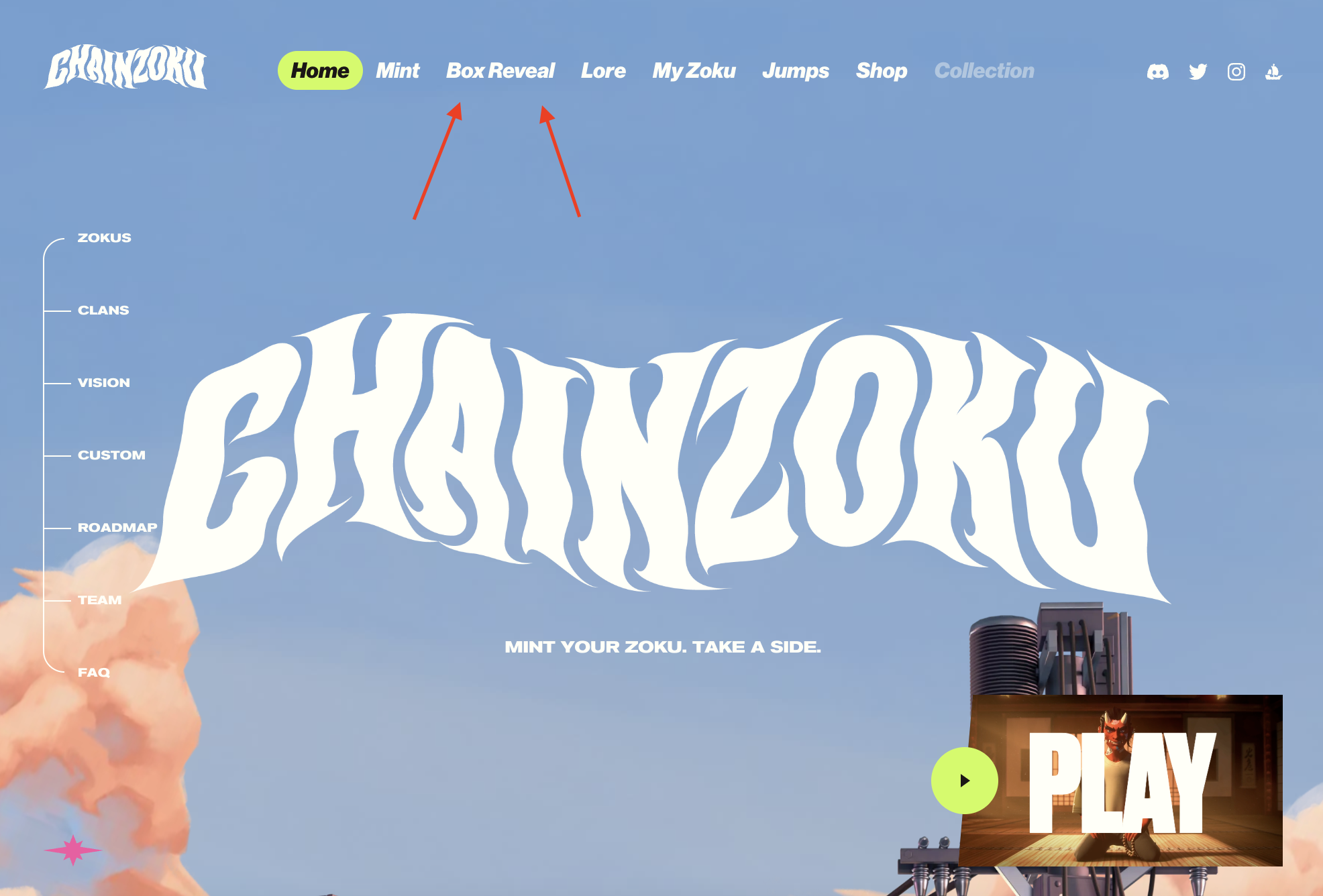
2. Press “BOX REVEAL”
3. Connect to your crypto wallet.
4. Click the box you want to burn, and approve the TX.
5. Watch the animation and see what was inside the box.
6. You will have the choice to mint the items, this is optional and mainly relevant if you want to transfer your items to another wallet or sell them on a NFT marketplace. This is **not** necessary if you want to equip your gear on your zoku.
If you are unsure of any of the stages, below is a video walkthrough!
{% embed url="" %}